
Make Every Celebration Last Forever
Collect heartfelt video messages in one tap
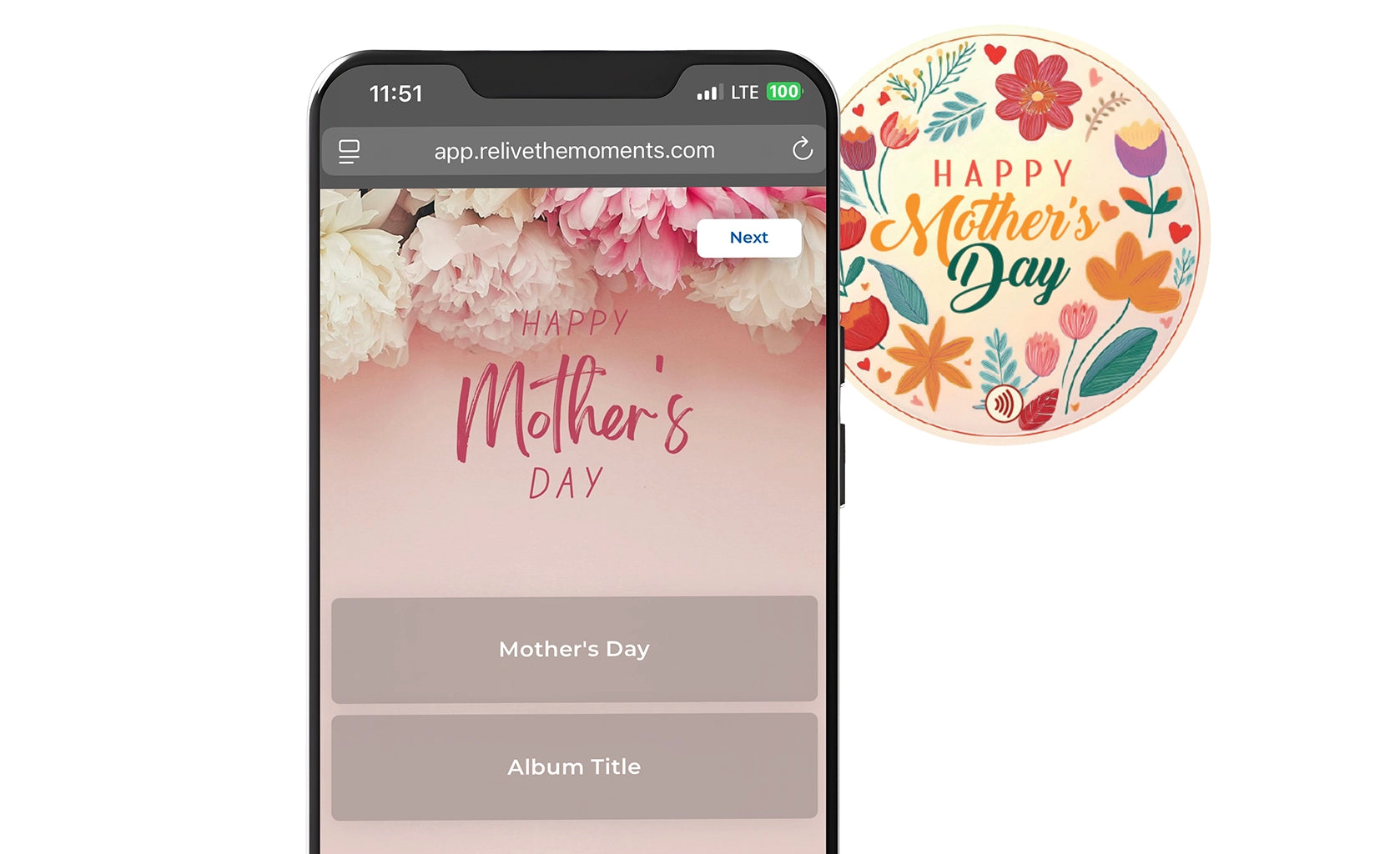
STEP 1: Getting Started
Tap yourHappiTap™ magnet with yourphone to activate. Design your event cover and send digital invitations so yourfriends and family can submit their video messages.
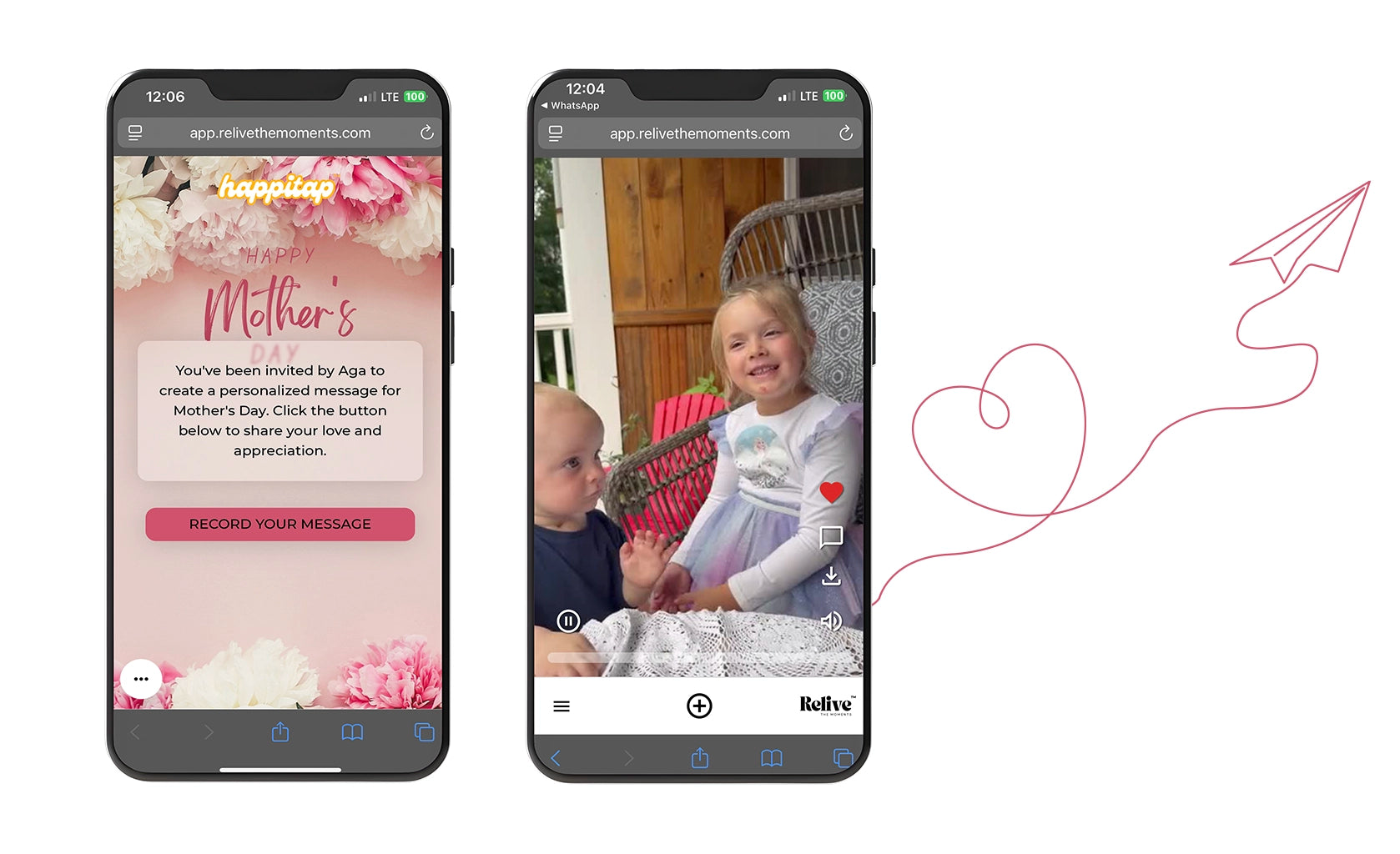
STEP 2: Collect & Organize
Once videos are submitted, you can change their order, edit the album cover that the recipient will see, and upload additional clips. The album stays private and only accessible via the HappiTap™ magnet.

STEP 3: Share the Love
Slip the magnet inside a greeting card or giftbox. When the recipient taps it with their phone, they’ll instantly unlock and watch all the surprise video messages.

GET STARTED TODAY
get happitap™
Easily create heartfelt group video gifts, linked to a keepsake magnet they’ll treasure forever
Turn Any Celebration Into a Keepsake
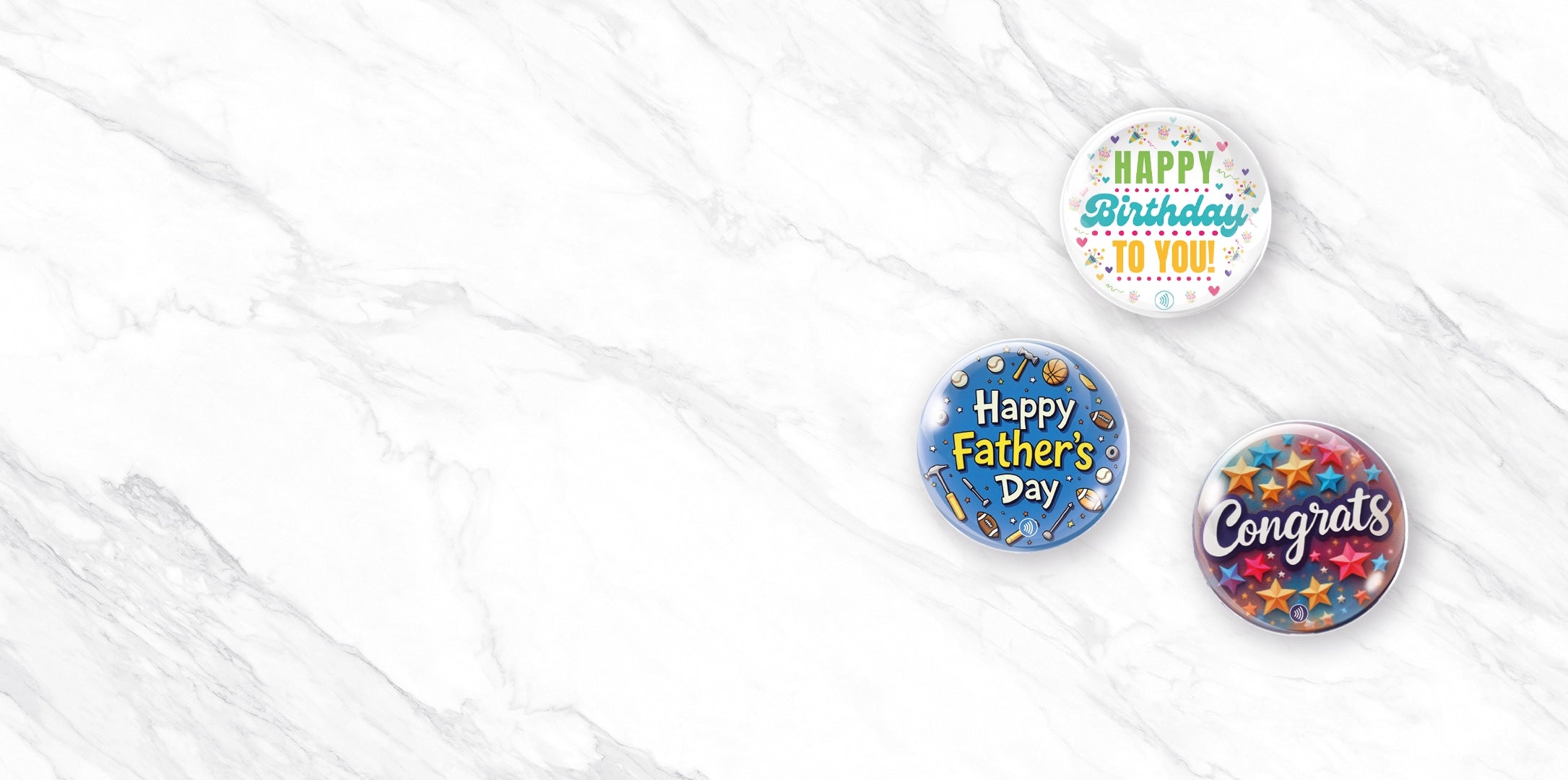
Perfect for Every Occasion
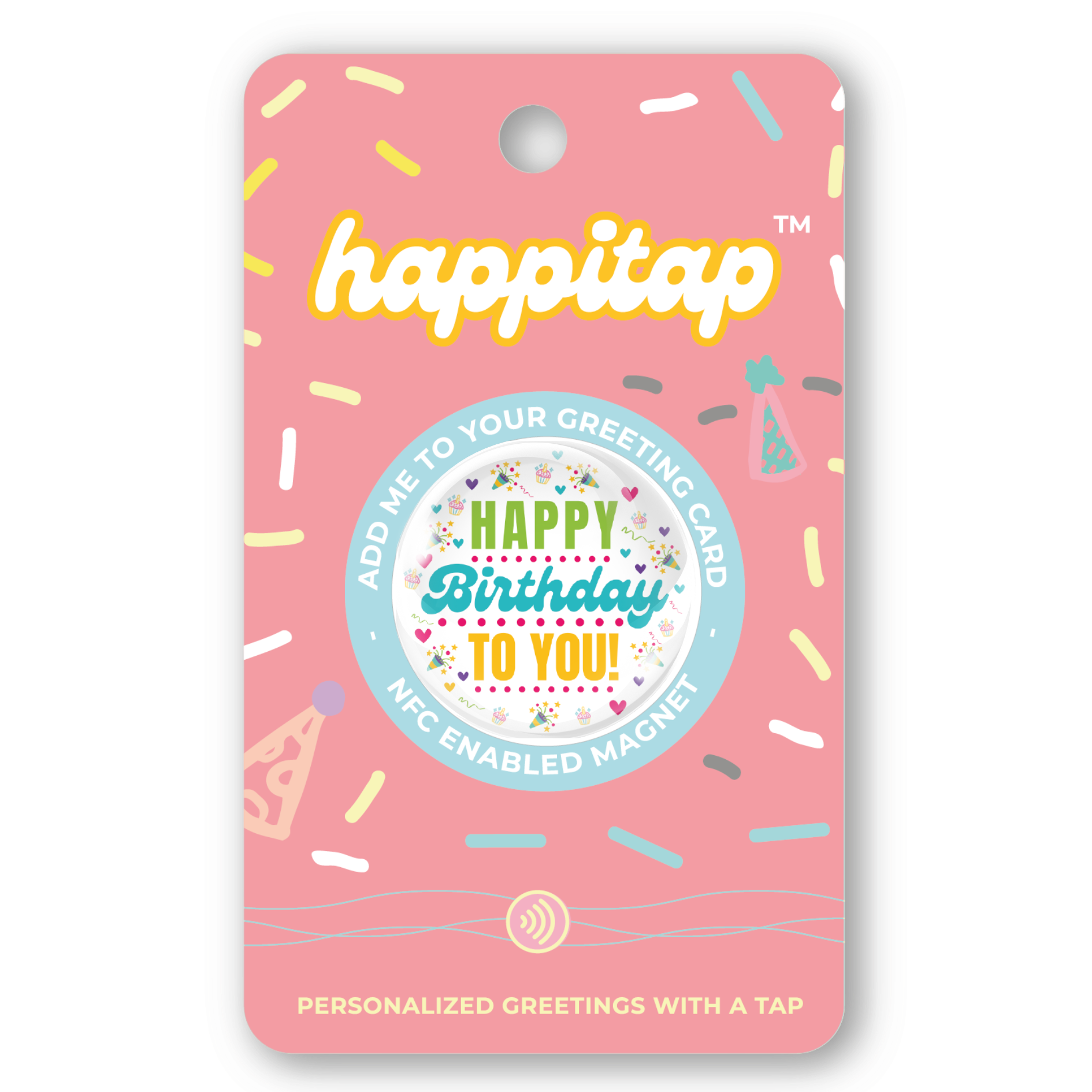
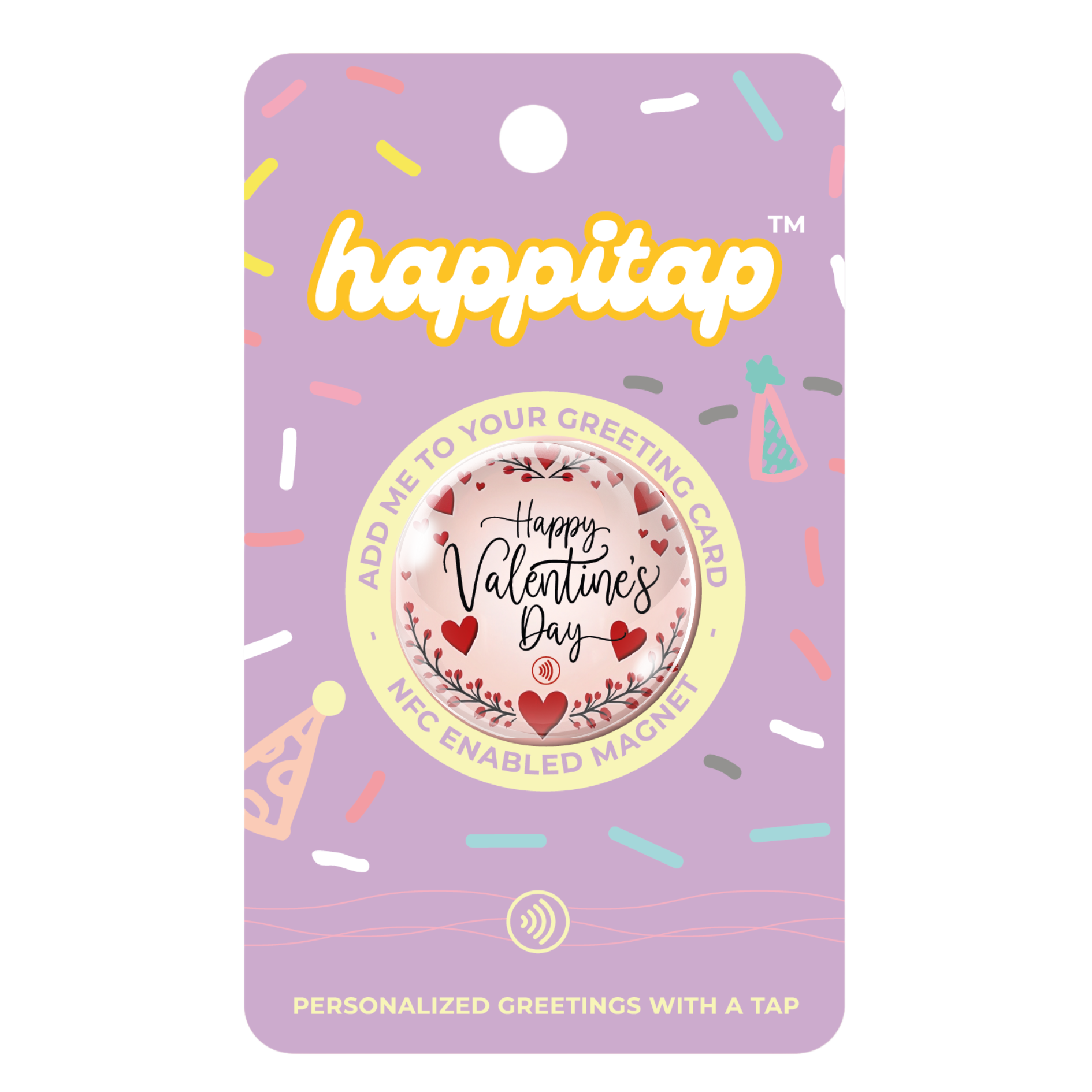


Not Just a Gift
A Meaningful Experience
Innovative Tap Technology: No apps or complicated steps—just tap and play.
Seamlessly Linked: The digital album is automatically tied to the magnet.
Designed to Delight: Fits perfectly inside any greeting card for a beautiful surprise.
FAQ
General Questions
happitap™ is an NFC-enabled magnet designed to make gifting more
meaningful. It allows you to create a digital album for special occasions,
gather video messages from friends and family, and gift it as part of a
greeting card or standalone keepsake.
- Tap your phone to the HappiTap™ magnet to activate it.
- Create a digital album for the recipient (e.g., birthday,
graduation, Mother's Day).
- Share the album link with friends and family to collect
video messages.
- Stick the magnet onto a greeting card or gift it directly.
- The recipient taps the magnet to access the album and can
keep the magnet as a cherished keepsake.
Using NFC / happitap™
NFC stands for Near Field Communication, a technology that enables your phone to exchange data with an NFC-enabled device, like HappiTap™, by simply tapping them together.
Android: The NFC sensor is typically located near the center
or top-back of the device. Exact placement may vary by model.
iPhone: The NFC sensor is located near the top of the device, close to the camera.
Most modern smartphones are NFC-enabled. Check your phone's
settings for an "NFC" option.
Open Settings.
- Go to Connected Devices or Connections (varies by device).
- Tap NFC and toggle it on.
For iPhone models with NFC (iPhone 7 and newer), NFC is always enabled and doesn't
require manual activation.
Creating & Sharing Albums
Tap your phone to the HappiTap™ magnet to open the setup
page.
- Customize the album by uploading photos and videos.
- Share the album link with friends and family to gather
messages.
Yes, you can continue to add videos and photos to the album
even after gifting the happitap™
Once the album is created, you can copy and share the link via text, email, or social media.
Gifting and Keepsake Features
If desired, the digital album that the magnet is assigned to can be edited. Videos and photos can be removed to start a new album entirely.
However, doing so means deleting the initial album and its content.
Yes, anyone with the album link or the magnet can add pictures and videos into the digital album. The album owner can choose to allow more uploads after the occasion, set a password, or keep the album in private mode.
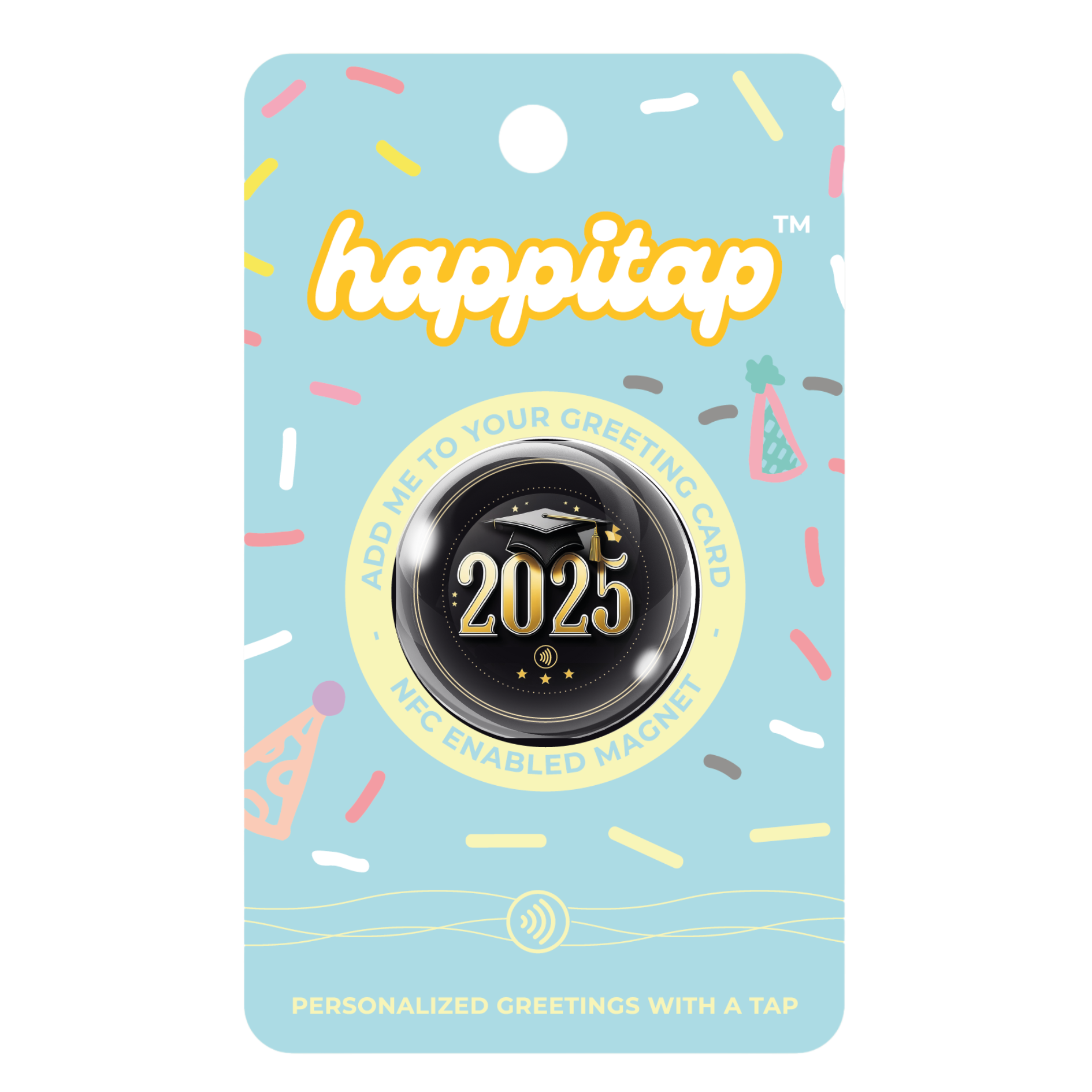
Each happitap™ comes in a clear package with an adhesive backing, making it easy to stick onto a greeting card.
Yes, the album is only accessible to those with the shared link.
Technical Questions
No, happitap™ works directly through your phone’s NFC capabilities or a QR code.
- Ensure NFC is enabled on your phone.
- Align your phone’s NFC sensor with the magnet.
- Try using the QR code as an alternative.
You need an internet connection to set up the album and view or upload content.
The digital album remains accessible via the shared link, even without the magnet.